FAI checklist
FAI checklist for AS9102 first article inspection
A practical release checklist for suppliers preparing AS9102 FAIR packages. Use it before exporting or submitting the FAIR to catch missing evidence and traceability gaps.
Updated July 2, 2026 · AS9102 Rev C · Ungated download
Printable checklist
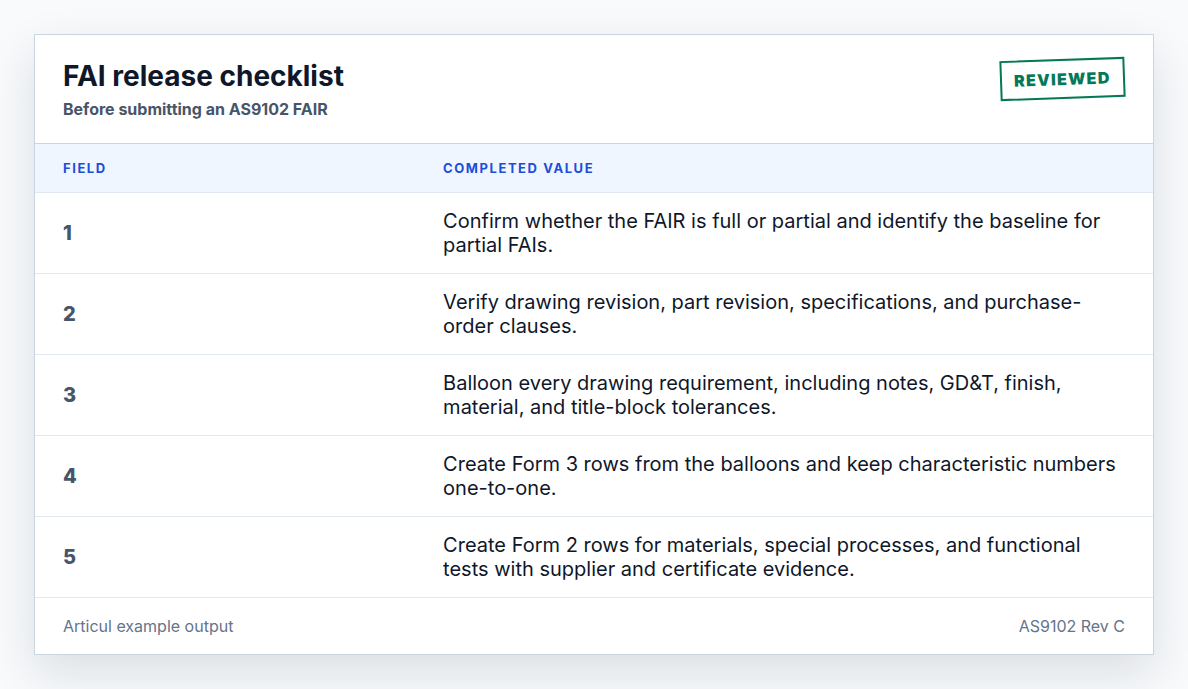
- Confirm whether the FAIR is full or partial and identify the baseline for partial FAIs.
- Verify drawing revision, part revision, specifications, and purchase-order clauses.
- Balloon every drawing requirement, including notes, GD&T, finish, material, and title-block tolerances.
- Create Form 3 rows from the balloons and keep characteristic numbers one-to-one.
- Create Form 2 rows for materials, special processes, and functional tests with supplier and certificate evidence.
- Record measured results, attribute verifications, methods, and evidence references.
- Disposition every nonconformance before release and reference the NC number on Form 3.
- Verify signatures, dates, attached certificates, ballooned drawing, and export package completeness.
Before ballooning
Confirm the engineering definition first. Ballooning the wrong drawing revision creates a clean-looking package that is still invalid.
Before release
Reviewers should trace at least one row from drawing balloon to Form 3 result to evidence, then sample Form 2 certificates and verify Form 1 approvals.
Related AS9102 resources
Frequently asked questions
What is the most common FAI checklist miss?
Missing Form 3 characteristics: notes, finish callouts, title-block tolerances, and specification references are often skipped.
Should the checklist be part of the FAIR package?
It can be included as an internal review artifact, but the required package is the completed forms, ballooned drawing, evidence, approvals, and any nonconformance dispositions.
Changelog
July 2, 2026: Published the AS9102 Rev C page, download assets, completed example image, FAQ schema, and sitemap entry.
Turn the template into a reviewed FAIR package
Articul pre-fills Forms 1-3 from the print and routes anything uncertain to you, including drawing notes and title-block fields, while tying ballooned characteristics to source regions before export.
Upload a drawingHosted upload is for non-controlled drawings only. Do not upload export-controlled (ITAR/EAR) technical data to hosted; ask about self-host.