CMM results bridge
PC-DMIS results to AS9102 Form 3 without retyping
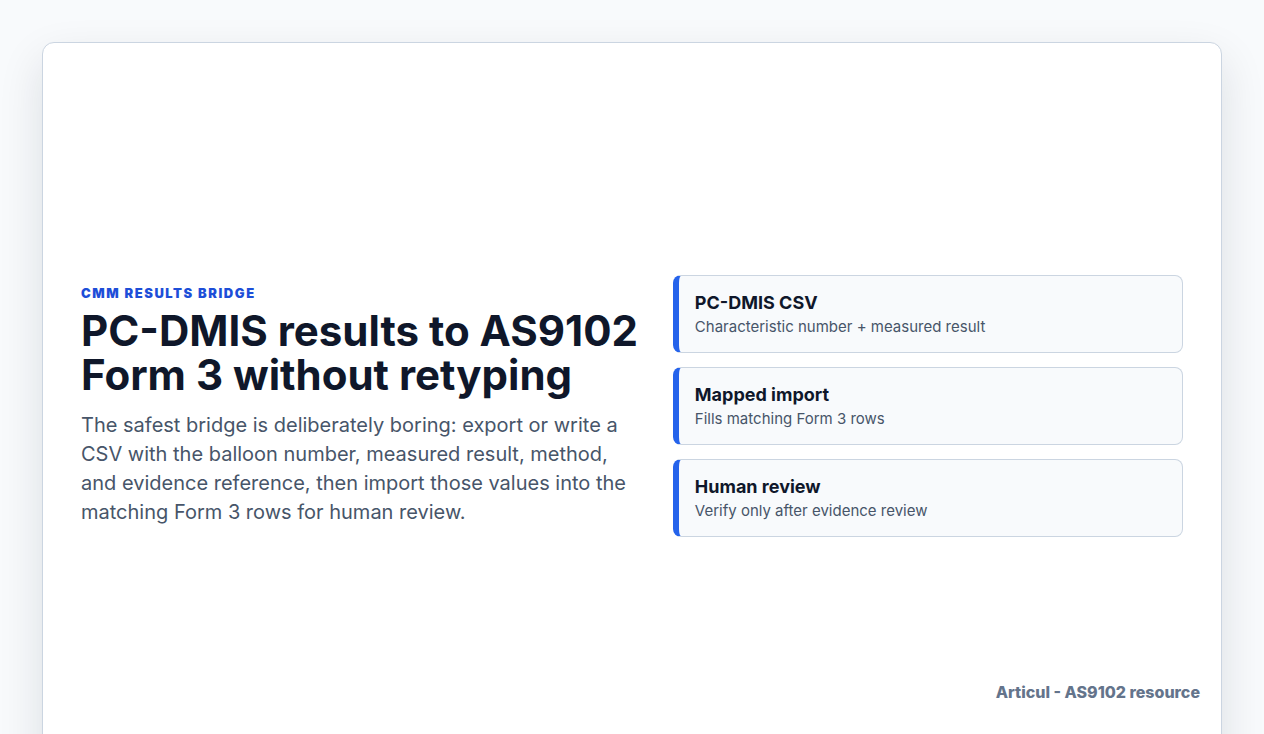
The safest bridge is deliberately boring: export or write a CSV with the balloon number, measured result, method, and evidence reference, then import those values into the matching Form 3 rows for human review.
Updated July 2, 2026
Column mapping
Do not start with every native PC-DMIS report variant. Start with a small results file that names the characteristic number already used on the ballooned drawing and Form 3.
| CSV column | Maps to Form 3 | Review rule |
|---|---|---|
| Characteristic Number | Field 5 | Must match an existing Form 3 row. |
| PC-DMIS Dimension | Additional Data / Comments | Metadata for the original PC-DMIS dimension or feature name; do not use it for matching unless your balloon numbers also use that identifier. |
| Measured Result | Field 9 | Record the variable result in drawing units when the requirement is variable. |
| Method | Additional Data / Comments | Useful for CMM, caliper, fixture, or visual method notes. |
| Evidence Reference | Additional Data / Comments | CMM report name, run ID, or attachment pointer. |
| Import Note | Additional Data / Comments | Use for operator, serial, or setup comments that should not replace evidence. |
Recommended workflow
- Balloon the drawing and create the Form 3 rows before importing results.
- Export selected PC-DMIS values into a CSV or write selected values with a small PC-DMIS routine.
- Import by characteristic number, not by row order.
- Review unmatched rows, duplicate characteristic numbers, blank results, and out-of-tolerance values.
- Verify only after the reviewer confirms the result and evidence reference.
Where Articul fits
Articul's CSV results import fills Form 3 result fields from a mapped CSV, then keeps verification human. Passing rows can be reviewed in bulk; failing or ambiguous rows stay in the normal nonconformance path.
Related AS9102 resources
FAQ
Can PC-DMIS fill AS9102 Form 3 directly?
Some PC-DMIS workflows can output spreadsheet-style reports, but the reliable handoff is a controlled CSV mapped to existing Form 3 characteristic numbers and reviewed before approval.
Should the import verify Form 3 rows automatically?
No. Importing measured values is different from approving them. Keep verification as a reviewer action so out-of-tolerance and ambiguous rows are routed correctly.
Source notes
Source links are used for public orientation only. Purchase orders, customer portals, and controlled supplier-quality documents govern actual requirements.
Changelog
July 2, 2026: Published the Wave 3 AS9102 resource page with source notes, FAQ schema, visible freshness date, and sitemap entry.
Keep the FAIR review tied to the print
Articul pre-fills Forms 1-3 from the print and routes anything uncertain to you, including drawing notes and title-block fields, while preserving source traceability for review.
Upload a drawingHosted upload is for non-controlled drawings only. Do not upload export-controlled (ITAR/EAR) technical data to hosted; ask about self-host.