Ballooned drawing basics
What is a ballooned drawing?
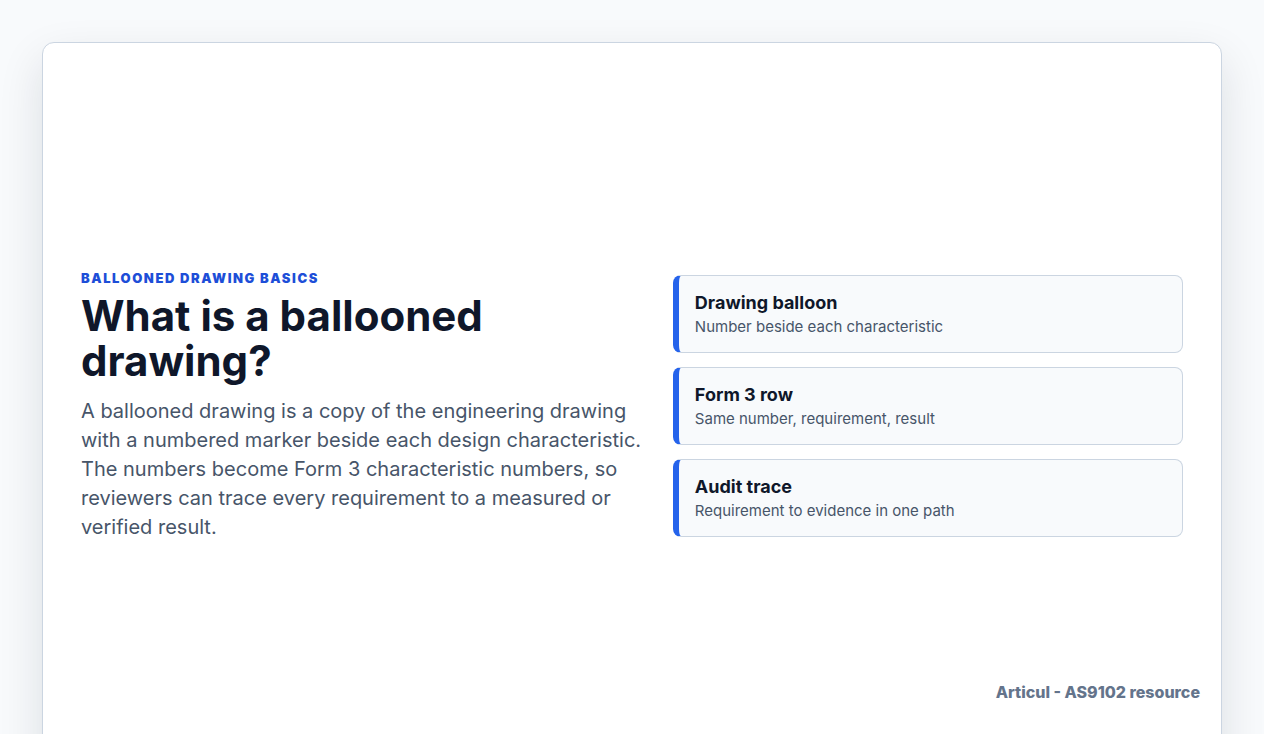
A ballooned drawing is a copy of the engineering drawing with a numbered marker beside each design characteristic. The numbers become Form 3 characteristic numbers, so reviewers can trace every requirement to a measured or verified result.
Updated July 2, 2026
What gets a balloon
| Drawing item | Usually a Form 3 row? | Reviewer note |
|---|---|---|
| Linear and angular dimensions | Yes | Record the measured result in drawing units. |
| GD&T feature-control frames | Yes | Keep datum references and tolerance zones complete. |
| Surface finish and edge-break notes | Yes | Use attribute or measured evidence depending on the requirement. |
| Material and special process notes | Sometimes | Form 2 carries product accountability; Form 3 may also need a row when the note defines a design characteristic. |
| Reference dimensions | Usually no | Mark as reference or exclude from inspectable rows so it is not mistaken for acceptance evidence. |
Why it matters
Without balloons, Form 3 becomes a list that is hard to audit. With balloons, the reviewer can pick any requirement on the drawing, find the same number on Form 3, and check the recorded result and evidence.
Common mistakes
- Using a pretty callout list that does not match Form 3 characteristic numbers.
- Skipping general notes, finish requirements, or specification callouts.
- Numbering reference dimensions as inspectable characteristics.
- Changing row order after inspection without preserving the drawing-to-row trace.
Related AS9102 resources
FAQ
Is a ballooned drawing required for AS9102?
AS9102 requires design characteristics to be uniquely identified and traceable to results. A ballooned drawing is the common way teams create that trace.
Do drawing notes need balloons?
Yes when the note creates an inspectable design requirement. Purely administrative notes may not need a Form 3 row.
Source notes
Source links are used for public orientation only. Purchase orders, customer portals, and controlled supplier-quality documents govern actual requirements.
Changelog
July 2, 2026: Published the Wave 3 AS9102 resource page with source notes, FAQ schema, visible freshness date, and sitemap entry.
Keep the FAIR review tied to the print
Articul pre-fills Forms 1-3 from the print and routes anything uncertain to you, including drawing notes and title-block fields, while preserving source traceability for review.
Upload a drawingHosted upload is for non-controlled drawings only. Do not upload export-controlled (ITAR/EAR) technical data to hosted; ask about self-host.