AS9102 Rev B vs Rev C
AS9102 Rev B vs Rev C: what changed for FAIR prep
Rev C is not just a new cover sheet. Several Form 1 fields changed how suppliers explain FAI scope, assembly relationships, nonconformances, and approvals.
Updated July 2, 2026 · AS9102 Rev C · Source-linked guide
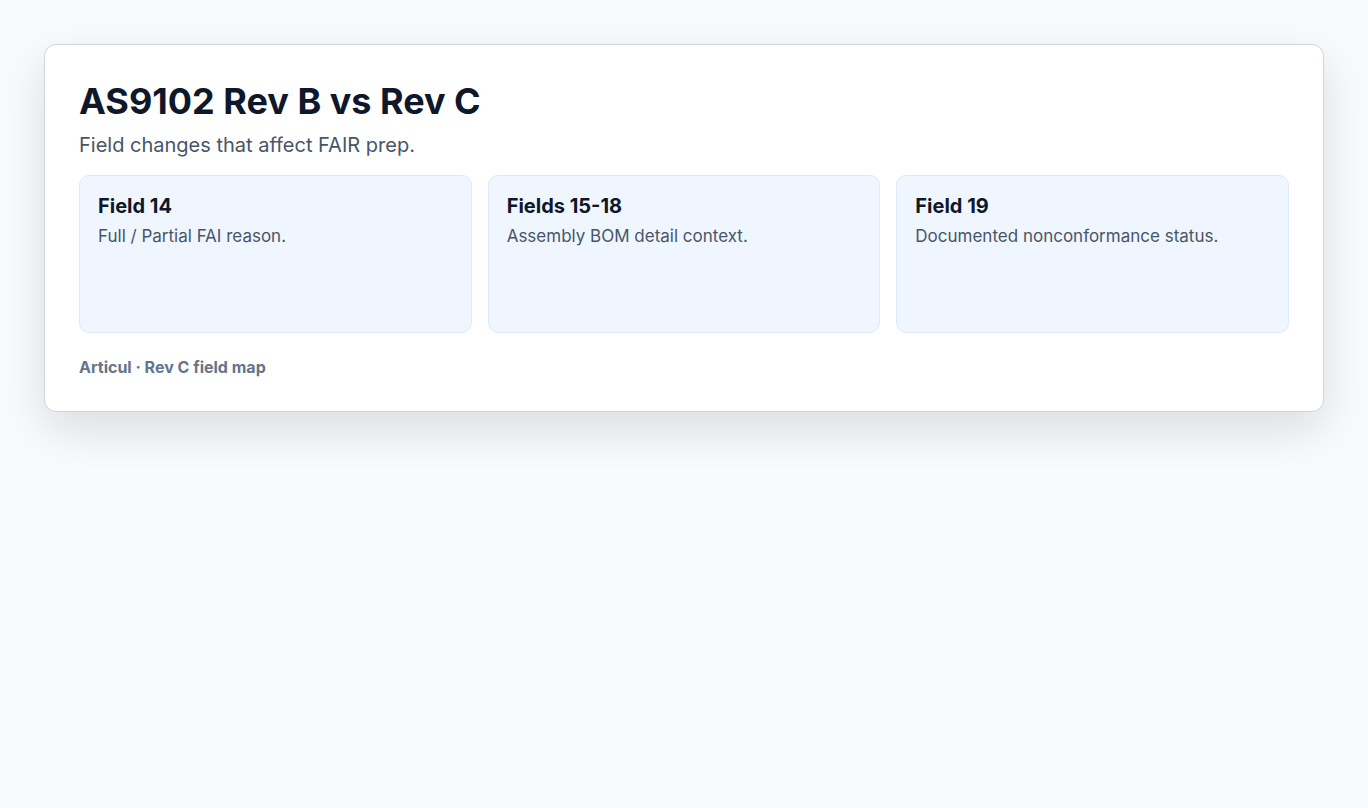
Field map
| Area | Rev C prep impact |
|---|---|
| Field 14 | Full/Partial FAI reason is required for the chosen FAI path. |
| Fields 15-18 | Assembly-related BOM parts need clearer detail, sub-assembly, standard catalog, or COTS context when applicable. |
| Field 19 | Nonconformance status is explicit: does the FAIR contain documented nonconformances? |
| Fields 20-23 | Verification and approval names/dates need clean role separation. |
| FAIR Identifier | Use a durable identifier that can be traced through exports and customer portals. |
Migration checklist
- Replace old Field 14 partial-only wording with full/partial reason language.
- Review assembly FAIR templates for BOM detail rows in Fields 15-18.
- Update validation checks around nonconformance presence and approval roles.
- Train reviewers not to approve a Rev C FAIR until Forms 1-3 and evidence agree.
- If a customer portal still displays older labels, keep your internal data mapped to the Rev C intent.
Related AS9102 resources
Source notes
Frequently asked questions
Is AS9102 Rev C mandatory for every customer?
Use the revision required by contract, purchase order, and customer quality clauses. Many aerospace customers have moved to Rev C, but the contract controls the submission.
What is the most visible Rev C Form 1 change?
Field 14 changed from a partial-FAI reason field to a full/partial FAI field with reason language for the selected path.
Changelog
July 2, 2026: Published the Wave 2 AS9102 resource page with source notes, FAQ schema, visible freshness date, and sitemap entry.
Prepare the FAIR before the rework starts
Articul pre-fills Forms 1-3 from the print and routes anything uncertain to you, including drawing notes and title-block fields, while keeping the review tied to the source drawing.
Upload a drawingHosted upload is for non-controlled drawings only. Do not upload export-controlled (ITAR/EAR) technical data to hosted; ask about self-host.